Knows 16 streaming services















Knows 16 streaming services
Features
Everything reachable by swiping. Menu always goes back. Nothing to type twice.
Films and series across every service, searched once instead of five times.
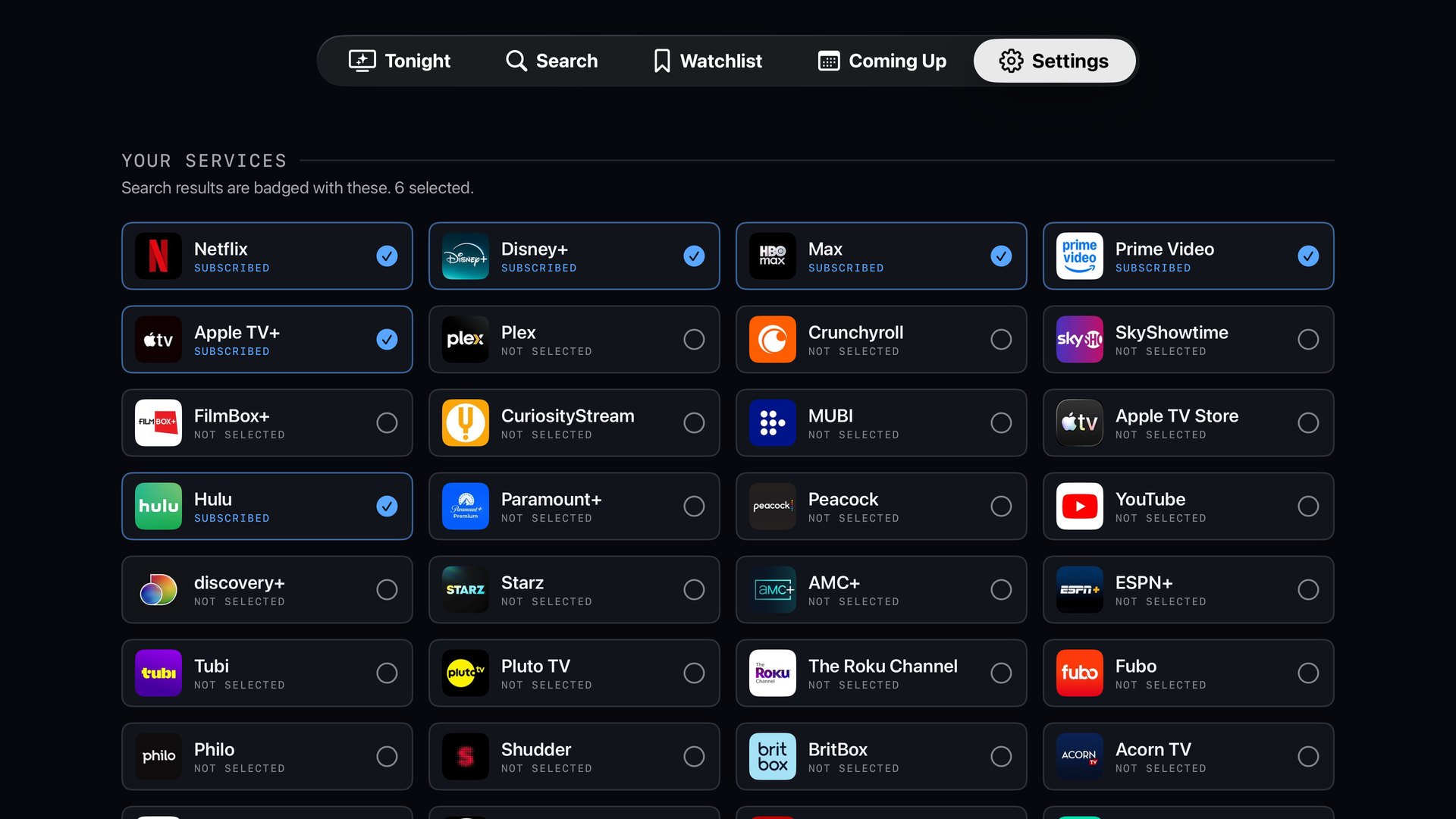
Tell JumpIn what you pay for. Results are badged, and yours always lead.
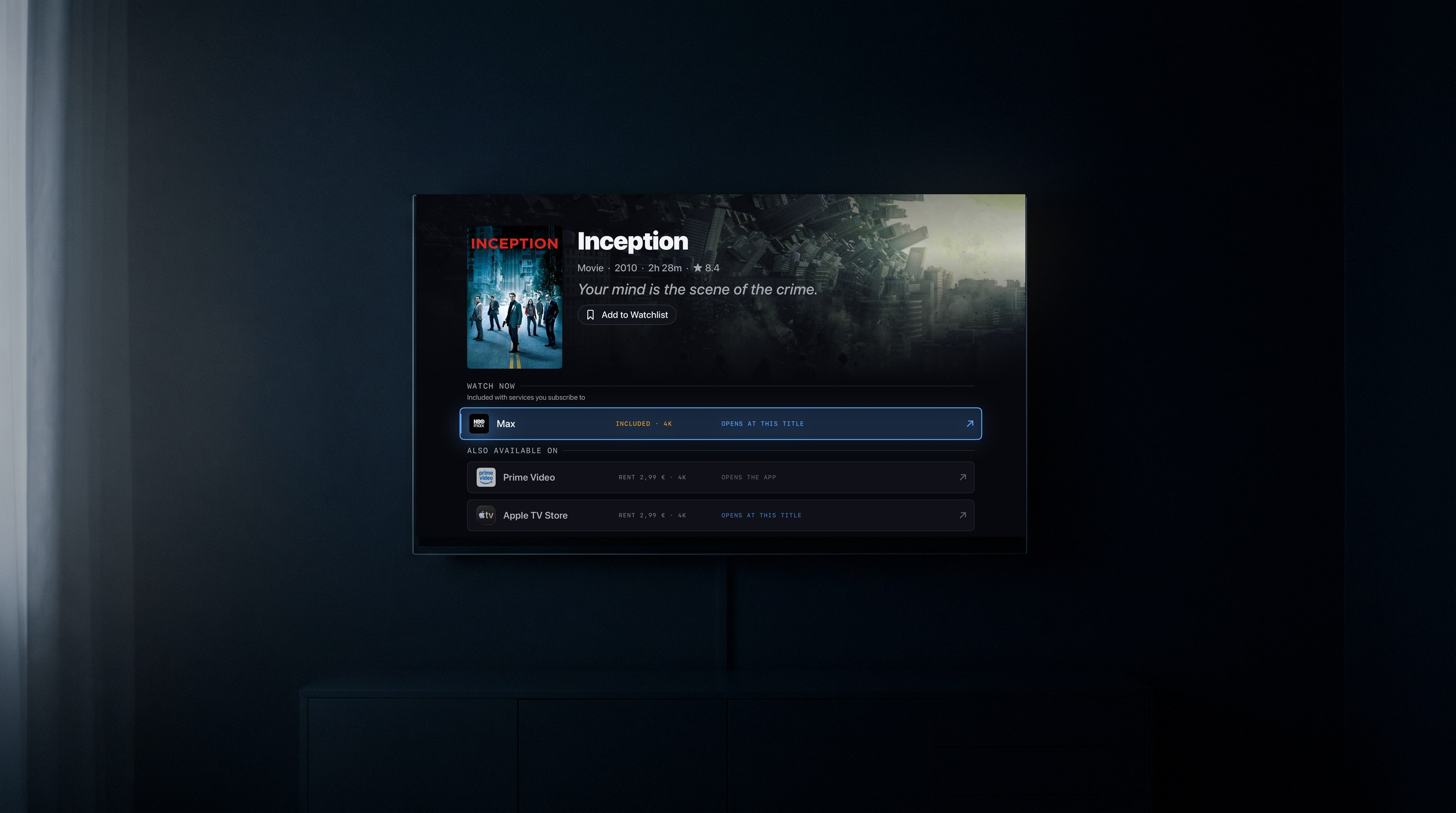
On Plex, Max, Apple TV and Prime Video, one press lands on the film itself. Every button says exactly where it goes before you press it.
Rent €2.99 in 4K, or included on something you already pay for. JumpIn shows the cheapest way in — and warns you when a shop charges more for a worse picture.
Honest about the limits
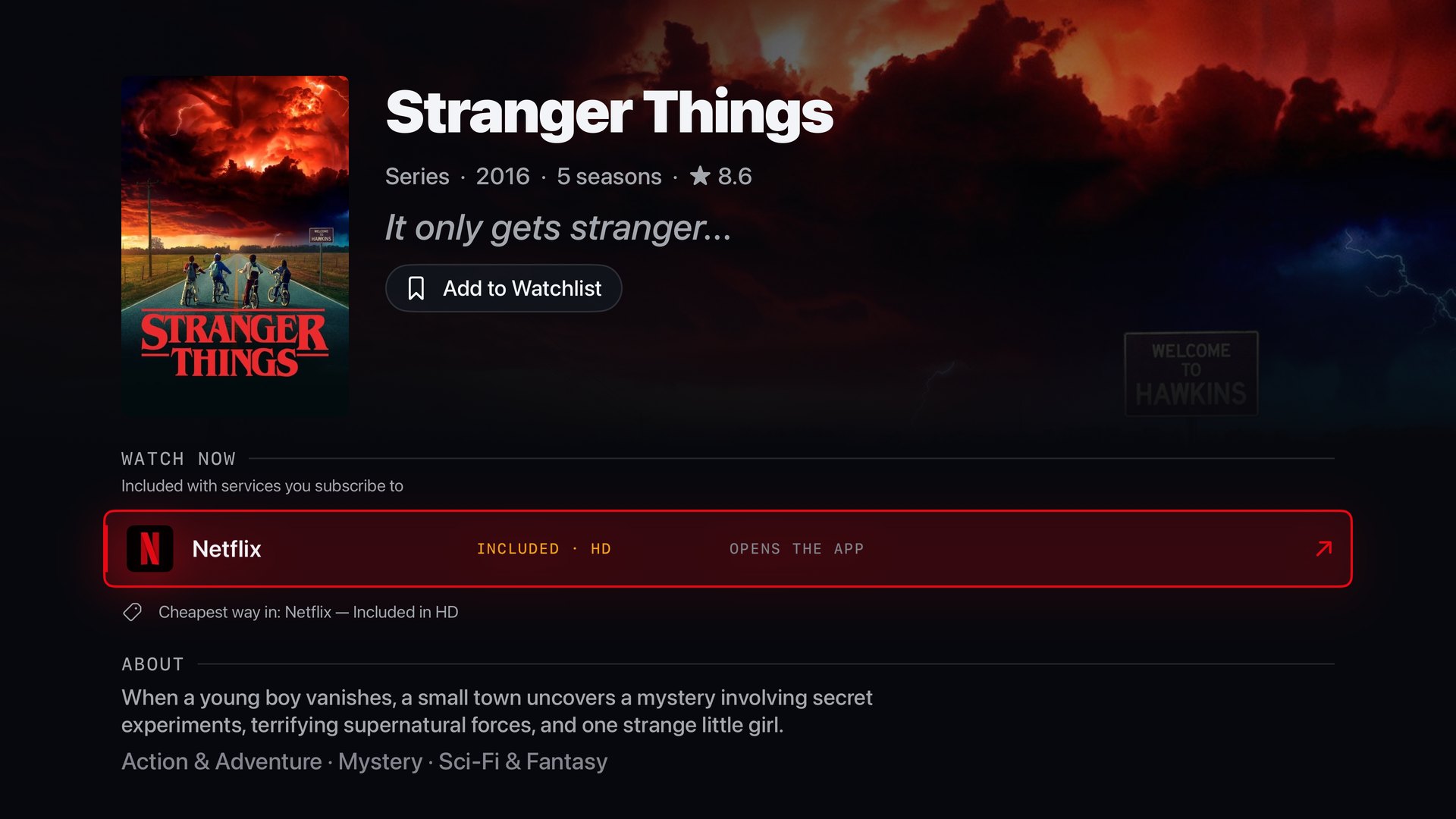
We tested this on a real Apple TV, one URL at a time, and wrote down what the television actually did. Four services jump to the title. Netflix will not — its Apple TV app accepts no links at all, whatever you send it — so for Netflix, JumpIn opens the app and says so. Every button tells you which one you are getting before you press it.
JumpIn never plays video. It finds where something streams, tells you what it costs, and hands you to the app that plays it.
How it works
Tick the ones you actually pay for. Takes a minute — and you can skip it entirely and browse first.
Every result is badged with the services that carry it in your country, subscriptions first.
On Plex, Max, Apple TV and Prime Video you land on the title itself. If the app isn't installed, JumpIn offers to get it instead of failing silently.
On your TV
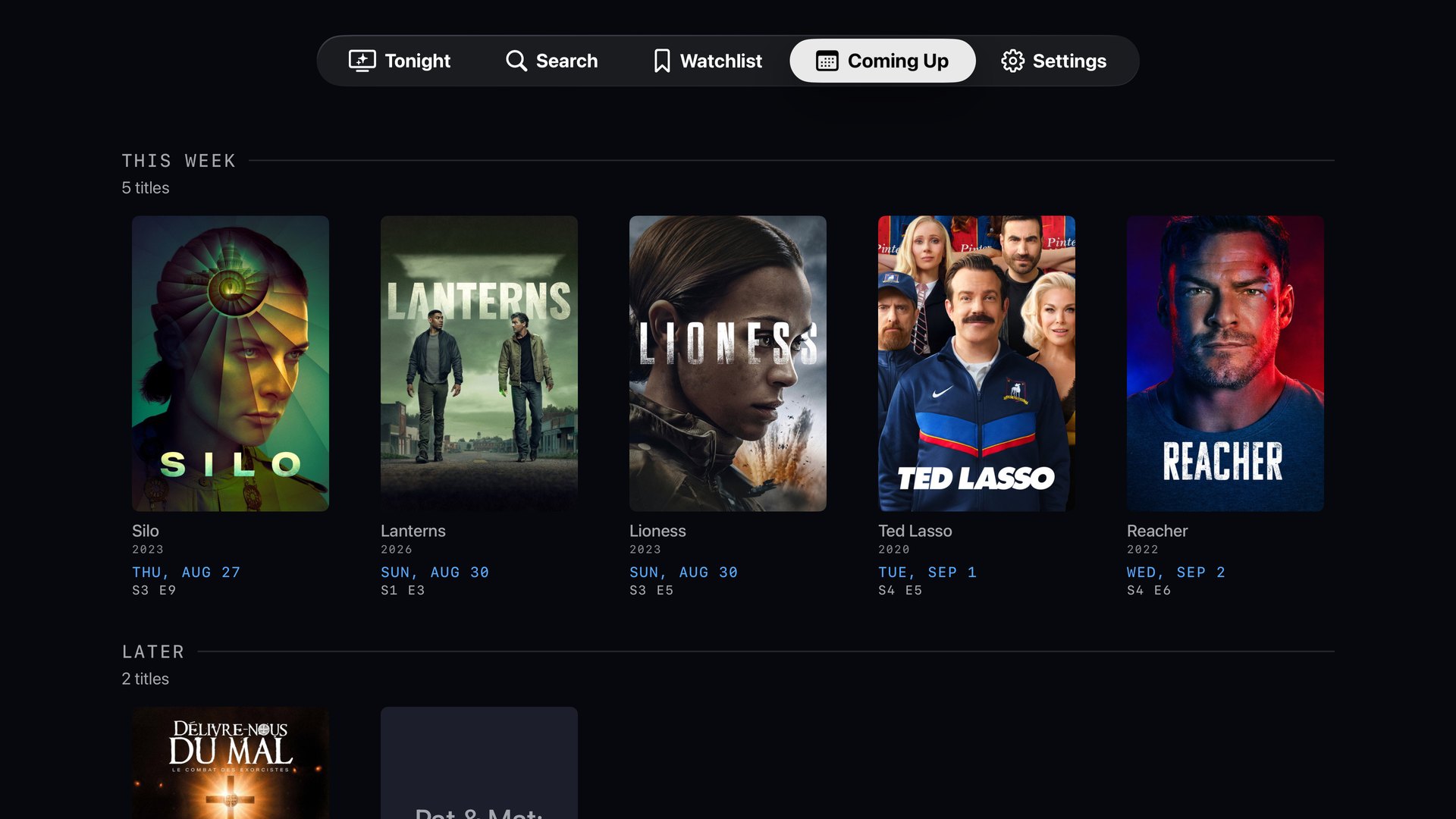
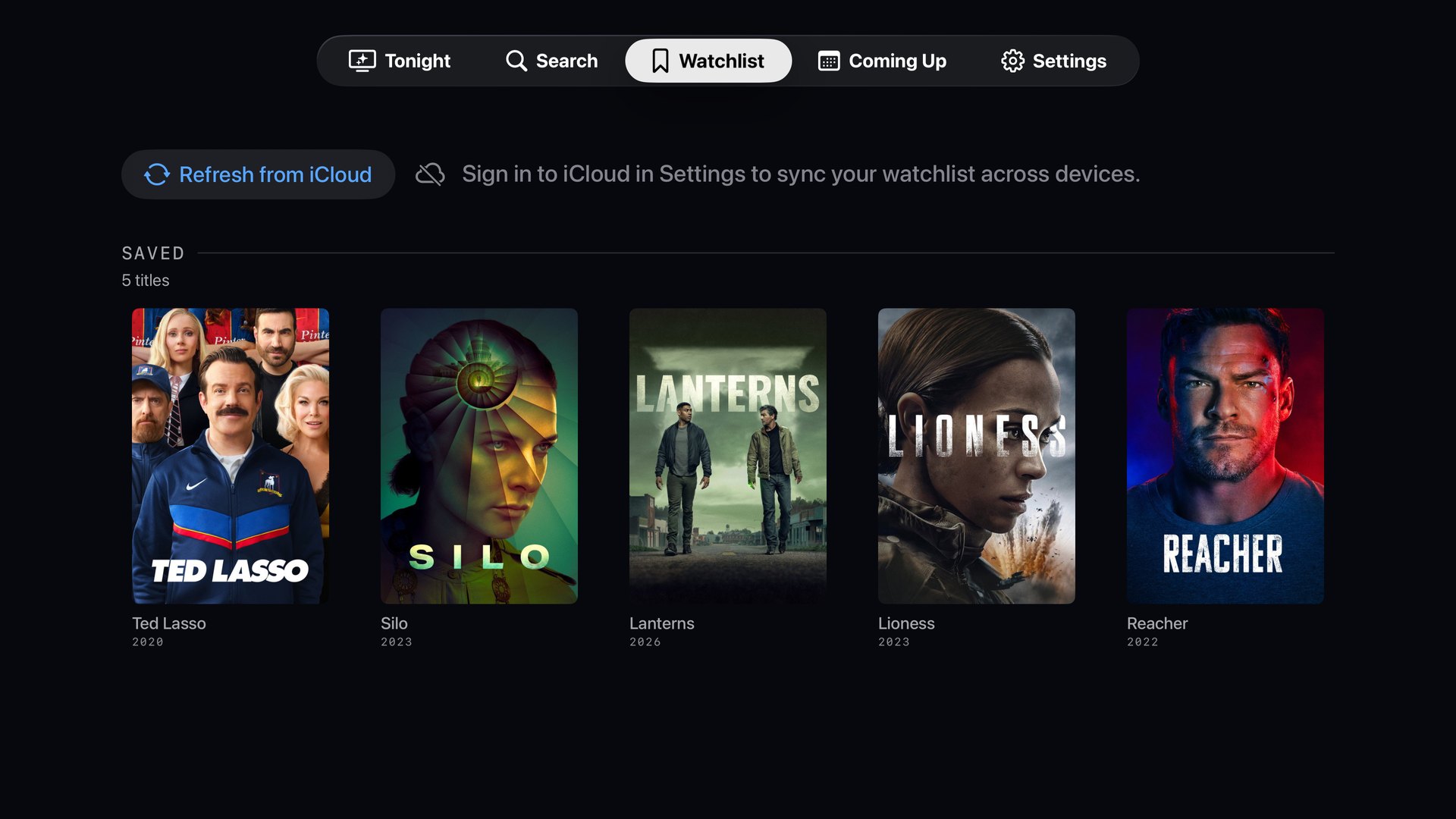
Real screenshots. Nothing mocked up.
Pricing
There is no monthly plan, on purpose. You already pay monthly for enough things — pick a year at a time, or pay once and never think about it again.
No trial clock. Free is free.
7 days free, then $9.99 a year
Never renews. Ever.
JumpIn is in TestFlight while deep links are verified on real hardware. Email us and we'll add you.
FAQ
No. It never streams video and never will. It finds where a title is available and opens the service's own app, which does the playing. It also can't get around a subscription you don't have.
Both, depending on the service, and JumpIn tells you which before you press. On Plex, Max, Apple TV and Prime Video it lands on the title itself — we sat in front of an Apple TV and watched each one do it. Netflix is the stubborn one: its Apple TV app accepts no incoming links whatsoever, so JumpIn opens Netflix and says “Opens the app” rather than pretending otherwise. Anything we haven't watched work with our own eyes keeps the weaker promise.
Tell JumpIn what you pay each month and it works out what each subscription actually costs you per viewing — from the services you open, counted on your own Apple TV and never sent anywhere. A service you have not opened in three months shows up as exactly that. Free streaming guides make their money on affiliate commission and provider marketing, so advising you to cancel something runs against their revenue. JumpIn is paid, so it can just tell you.
Because a monthly charge for a search box is a decision you'd re-make twelve times a year, and we'd rather you made it once. Annual is $9.99 with the first week free. If you'd rather never see a renewal, $24.99 buys it outright — both unlock exactly the same features, and owning either is enough.
No. There's no sign-up, no login and no server. Your watchlist lives in your own private iCloud database, which means we can't see it. Search works before you configure anything at all.
No advertising, no analytics, no tracking, no IDFA. The only network calls fetch catalogue data and sync your watchlist through Apple's iCloud. There's an optional log of which deep links worked, kept on your device, off by default and clearable.
Most countries. JumpIn follows your Apple TV's region by default and you can override it in Settings. Availability genuinely differs by country, so the badges change with it.
tvOS 17 or newer. A "reduce motion and effects" setting removes the expensive artwork and animation rather than just dimming it, because the 2017–2021 models are noticeably slower.
Because the part that matters most — whether each service's app actually opens — can only be verified on real hardware with those apps installed. It's in TestFlight while that's checked properly. We'd rather ship late than ship a button that does nothing.
Get started
Join the TestFlight and help us verify the part that matters — whether every service actually opens.